Independent guide: TriposRai is not affiliated with Tencent or Meshy. This article uses model and product names for neutral comparison only. Read the full notice here: Independent Model Disclaimer.
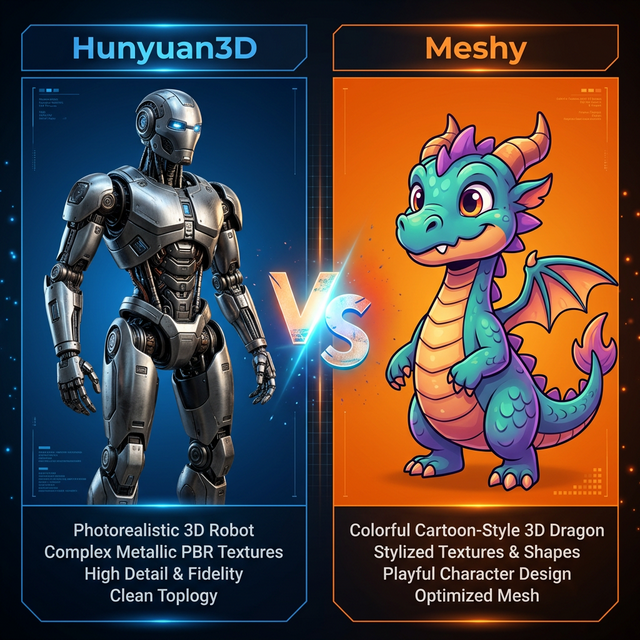
Hunyuan3D vs Meshy usually comes down to a familiar creator tradeoff. Do you want a workflow that feels more exploratory and ecosystem-driven, or do you want one that feels more like a polished product you can move through quickly?
That single difference changes how you evaluate speed, control, style fit, and cleanup cost.
If you want to benchmark a browser workflow first, use this page before you commit more time: Hunyuan3D Free Online Tool.
What Meshy Typically Optimizes For
Meshy is often the easier recommendation when the main priority is accessibility. Users who want a guided, productized experience usually prefer workflows that remove setup decisions and keep the focus on visible output.
That matters for:
- solo creators moving quickly
- stylized concept exploration
- teams that do not want to manage deeper tooling
- early-stage prototyping where polish matters more than stack control
What Hunyuan-Type Workflows Typically Optimize For
Hunyuan-related workflows become more appealing when users care about ecosystem flexibility, wrapper experimentation, or the possibility of going deeper later. Even when the first test is browser-based, the interest is usually broader than one web session.
That makes the Hunyuan path attractive to:
- technical evaluators
- workflow tinkerers
- users comparing hosted and self-managed routes
- teams that want more than a single product surface
Style Fit Matters More Than Generic Quality Claims
A lot of comparison content overstates broad quality judgments. In practice, style fit is usually more important.
Ask these questions instead:
- Which workflow gives me a usable result faster for my asset category?
- Which one fails in a way I can recover from?
- Which one is easier to hand off into the rest of my process?
If your workload is highly stylized and speed matters, Meshy may feel more natural. If you are evaluating broader workflow control and future flexibility, the Hunyuan path may stay more interesting over time.
Speed vs Control
Speed is not just generation time. It is total decision time.
Meshy can feel faster because the product surface is often more guided. Hunyuan can feel faster in the long run if your real goal is not just one output, but understanding the workflow family you may invest in later.
That is why the best first move is not a final decision. It is a short practical test.
A Good Side-By-Side Test
Use one subject and two different priorities:
- a stylized asset where visual cohesion matters
- a more structured asset where workflow control matters
Then compare:
- prompt sensitivity
- retry count
- output usefulness
- handoff readiness
If you want a second comparison axis after that, read Hunyuan3D vs Tripo.
Where To Go After The First Test
If the browser result is promising, continue with:
That sequence gives you a better decision than chasing a single winner headline.
Final Takeaway
Choose Meshy first if your biggest need is a faster, more guided path to a visually coherent result. Choose the Hunyuan route first if you want a broader workflow evaluation and more room to explore the surrounding ecosystem.
The honest answer is not “one is always better.” It is “pick the path that reduces wasted retries for the kind of assets you actually make.”
Run the browser-based test first: Hunyuan3D Free Online Tool.